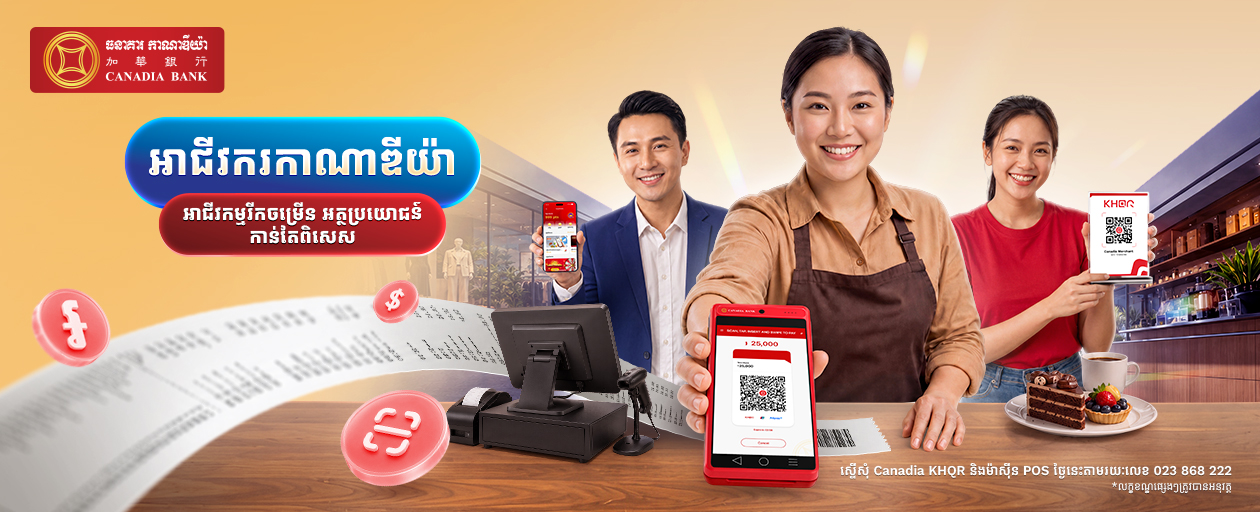
Experience The New Canadia​ Bank App

Welcome to a smarter, faster, and more rewarding way to bank. The all-new Canadia Bank App is here — redesigned with you in mind. Seamlessly pay bills, transfer money, and manage your finances anytime, anywhere. Plus, with our exclusive CanaPoints feature, you will earn points with every transaction and enjoy exciting rewards in return. Download the app today on iOS, Android, or AppGallery and enjoy the future of banking.

Ready to Bank? Activate Your Account in Minutes
Click here to view the step-by-step guide or watch the video below:

Scan QR to download app
Or click to download

Main Features

Quick Scan to Pay

Experience quicker payments right from the login screen. Set a payment limit and take advantage of this new feature today!

QR Payment

The Canadia Bank App enables seamless QR payments while My KHQR allows you to receive money from any local banks with no fee charge.

Bills & Utilities

Pay your electricity bill, water bill, and many other public services anytime, anywhere.

Transfer & Pay

Transfer funds quickly anytime, anywhere. Send money to local banks via account number, Bakong, or phone number - and internationally through SWIFT or MoneyGram.

CanaPoints

Spend More, Earn More. Earn CanaPoints every transaction you make via Canadia Bank App and redeem points when you scan to pay or top up mobile phone.

Open a New Account

Choose the right account for your need and start managing your finances without hassle

CanaPoints: Make Everyday Banking More Rewarding

CanaPoints is the loyalty rewards program exclusively available on the Canadia Bank App. From everyday mobile banking transactions and bill payments to QR payments, you can earn points that turn into real-world rewards. Earning rewards is effortless—just pay, earn, and enjoy.

Earn and Redeem CanaPoints

Earn Effortlessly

From KHQR payments and bill payments to top-ups and card swipes, turn your everyday transactions into rewards

Browse the Rewards

Explore eligible rewards you can redeem with your CanaPoints and enjoy more from your favorite stores or brands.

Redeem Instantly

Redeem your points for rewards with ease. Show your code at the store or redeem through participating apps.

Earn CanaPoints by:

  1. KHQR Payments: Scan and pay using our KHQR at our merchants.
  2. Bills & Utilities: Pay water, electricity, and other utilities through Canadia Bank App.
  3. Mobile Top-Up: Top up your mobile through the Canadia Bank App.
  4. Card Purchases: Use your Canadia Credit Card for everyday purchases.
  5. Parking at Techo International Airport: Pay for parking through the Canadia Bank App..
Terms & Conditions
  • Canadia Bank App users are automatically enrolled in the loyalty program.
  • CanaPoints are earned through eligible transactions on the Canadia Bank App. Earning rates and eligible transactions may change from time to time.
  • CanaPoints expire after 90 consecutive days without any point-earning activity.
  • CanaPoints have no cash value and cannot be transferred, sold, or exchanged for cash.
  • All reward redemptions through the Canadia Bank App are final and subject to availability.
  • Each reward is subject to the specific terms and conditions stated for that reward. By redeeming a reward, customers agree to these terms and must also comply with the terms and conditions of the participating merchant.
  • Canadia Bank may cancel points or rewards, suspend membership, or change or terminate the loyalty program at any time, including in cases of fraud or misuse.

How to Link Canadia Account with Bakong Account in Bakong App

With the latest version of the Bakong App, you can now link your Canadia Bank CASA accounts (current account/savings account) into Bakong App, transfer funds from your CASA accounts to your personal Bakong wallet, check your CASA accounts balance, view past transactions between your CASA accounts and Bakong wallet, and unlink your CASA accounts from Bakong App.

Frequently Asked Questions

1. How do I get started with the new Canadia Bank App?
After downloading the app, follow the step-by-step activation guide provided. You’ll need your registered phone number and your Customer ID (CID) or account number ready.
2. Can I activate the new Canadia Bank App on multiple devices?
Activation is limited to one primary device for security purposes. To switch devices, please re-register with your credentials.
3. I cannot download or activate the new Canadia Bank App. What should I do?
If you encounter issues, please check:
  • Device Compatibility: The app supports Android 8.0+ and iOS 15.0+ (non-jailbroken).
  • Internet Connection: Ensure you have a stable connection.
  • Registered Phone Number: Confirm your phone number is correct and registered with your account.
  • Restart Your Device: A simple restart may resolve the issue.
4. Why am I not receiving the One-Time Password (OTP)?
  • Ensure your phone number is registered with the bank.
  • Check your network connection and SMS Inbox.
  • Ensure your device is allowed to auto-fill OTPs.
  • If the issue persists, contact us via Telegram at @CanadiabankCSC.
5. What should I do if I forgot my PIN or password?
  • Click on “Forgot?” on the login screen.
  • Follow the reset instructions using OTP verification.
  • Set a new password and log in again.
6. What should I do if I forgot my Secret Word?
  • Open the app and go to the login screen.
  • Select “Forgot Secret Word”.
  • Follow the reset instructions (Step 1: Scan National ID, Step 2: Scan Your Face, Step 3: Complete) then Submit Request. Then your request will be reviewed by the Contact Service Center team.
7. Do I need to visit a branch to activate the new Canadia Bank App?
No. The entire activation process can be done in-app using your registered phone number and account details.
8. Is the new Canadia Bank App different from the old one?
Yes. The new Canadia Bank App offers a redesigned interface, improved performance, better security, and new features like CanaPoints for rewards.
Canadia Bank stores cookies in your browser for a better experience.
Got It
DMCA.com Protection Status